Organization Settings
How to Manage Organization Members and Roles
This page shows the list of all members in your organization.
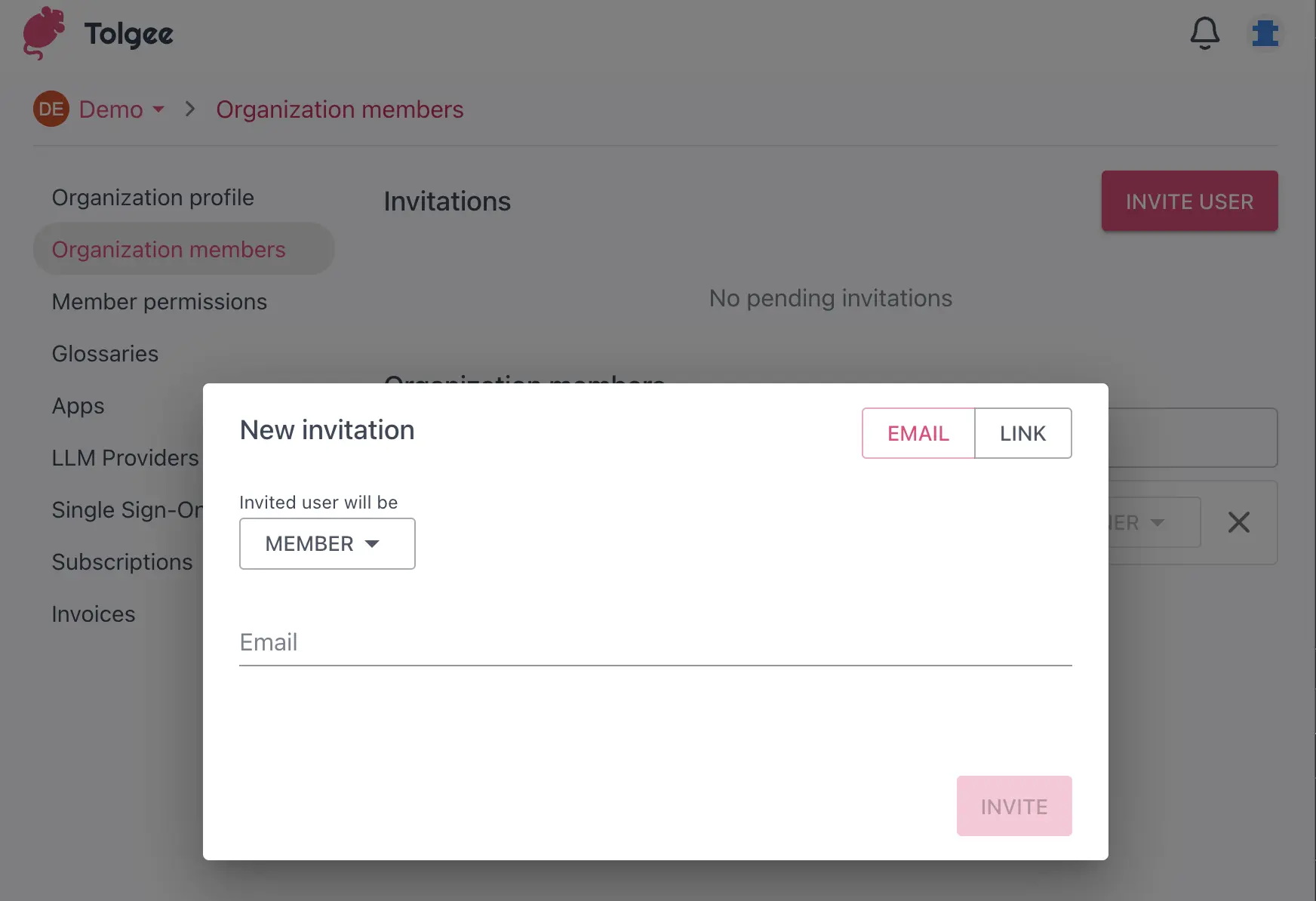
You can invite new members by clicking the Invite user button in the upper right corner. Use the toggle on the right-hand side to choose between entering their email address or creating an invitation link, to share with them.
Before sending an invite set the role of a member. The role can be one of the following:
- Member: The member has basic access to all organization projects.
- Maintainer: Same as the member, additionally can create new projects and create/edit glossaries.
- Owner: The owner of the organization. The owner can manage: the organization settings, the glossaries, the projects and the members.
Configure Default Member Permissions
This page allows you to select the default permissions for all organization members. You can change the permissions for each member on a per-project basis in the Members section of the project.
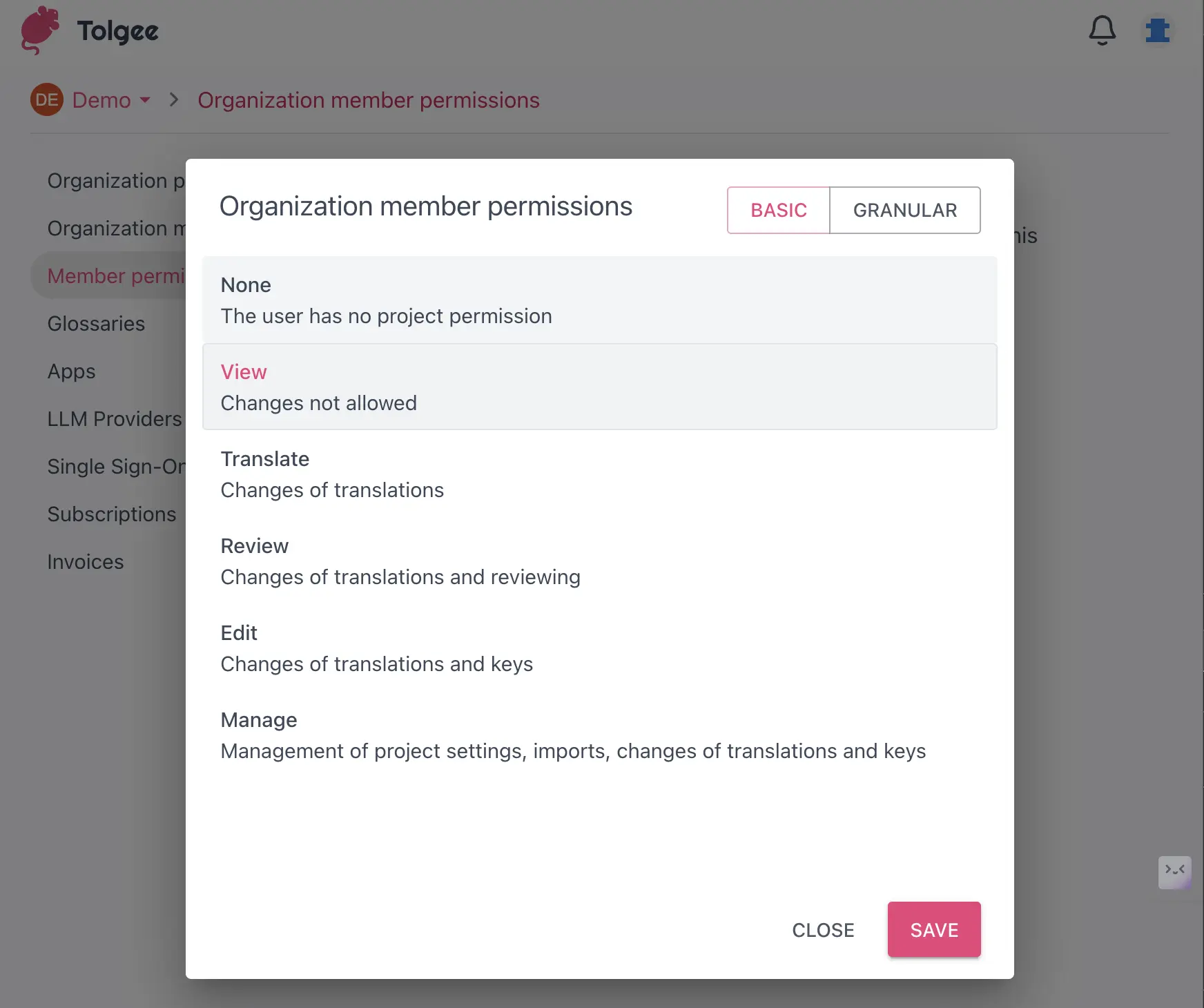
You can also set the permissions granularly. The granular permissions are a paid feature; see Granular permissions for more information.
View and Manage Subscriptions
This page shows your organization's subscription information, including the current plan and usage. You can also change your plan here.
Tolgee is available as Tolgee Cloud (the default, fully managed option) or as a self-hosted installation.
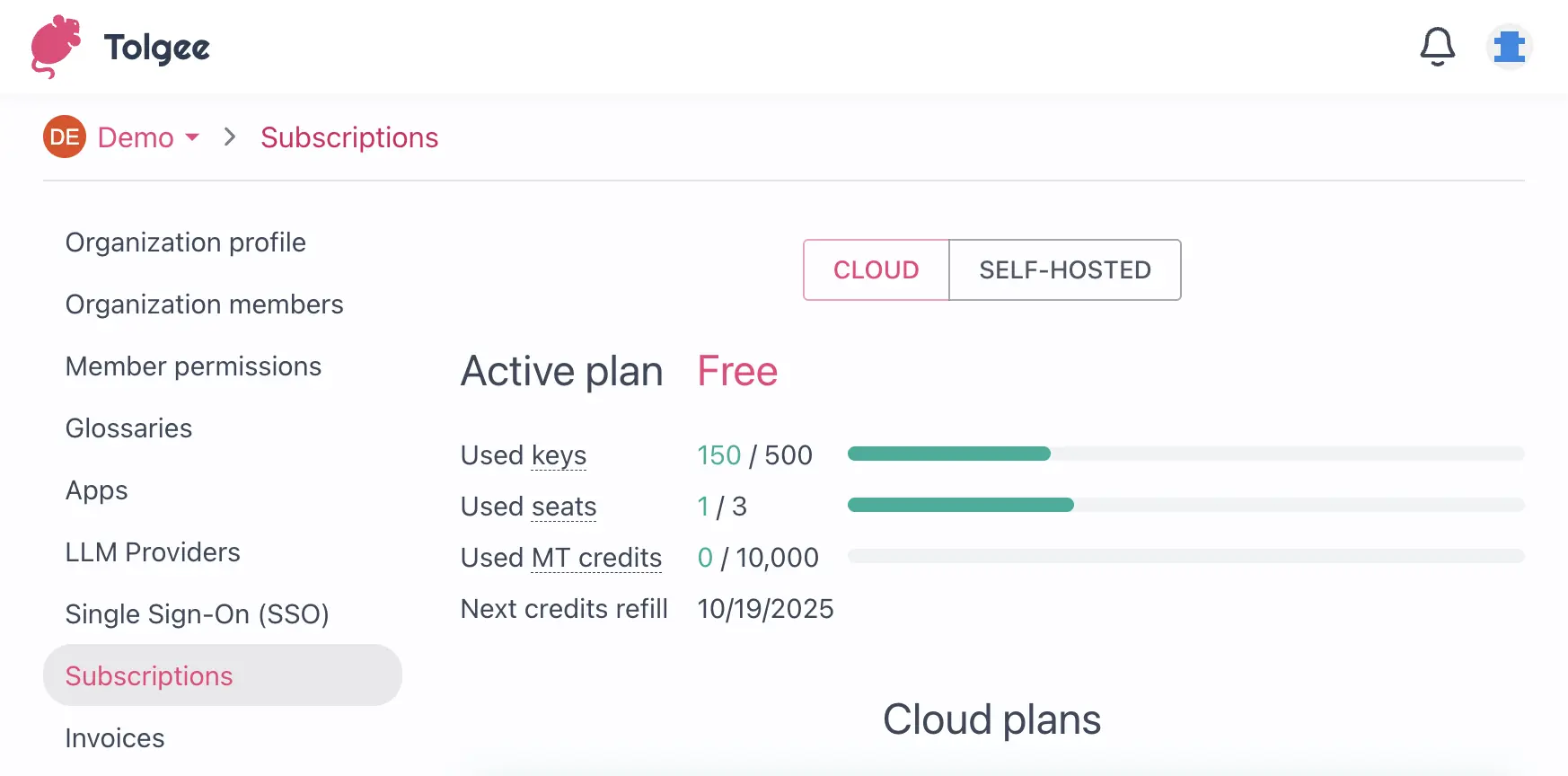
The usage shown on this page is the total usage of all projects in your organization, covering:
- Used keys – The total number of keys used in your organization, regardless of how many languages they are translated to.
- Used seats – The total number of users who are part of your organization or any project owned by it.
- Used MT credits – The number of Machine Translation credits used since the last monthly refill.
- Next credits refill – The date when your MT credits will be refilled.
What happens when you reach a limit?
- Free plan – Limits are enforced per resource: you cannot add new users when the seat limit is reached, cannot add new keys when the key limit is reached, and cannot use machine translation when MT credits are exhausted. Everything else continues to work. Upgrade your plan to lift these limits.
- Paid plans – All self-served paid plans are pay-as-you-go. If you exceed your plan's included allowance, the additional usage continues uninterrupted and is invoiced at the end of the month according to the current pricing.
Access Invoices and Billing History
This page shows the list of all invoices for your organization. You can download the invoices by clicking the Download button (if you have a paid plan).
Additionally you can see the option to enter Customer Portal, button on the right-hand side of the screen. To make payments easier, Tolgee partners with Stripe and the Customer portal is where you get redirected to manage your payment method.
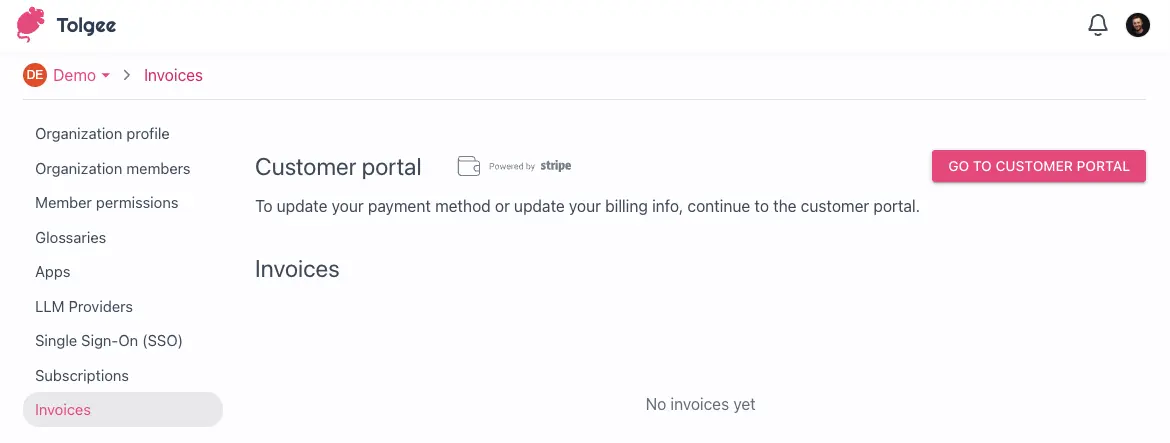
Here you can change your payment data; update the address, tax ID and email. Then press the "update data" button, on the bottom of the list.